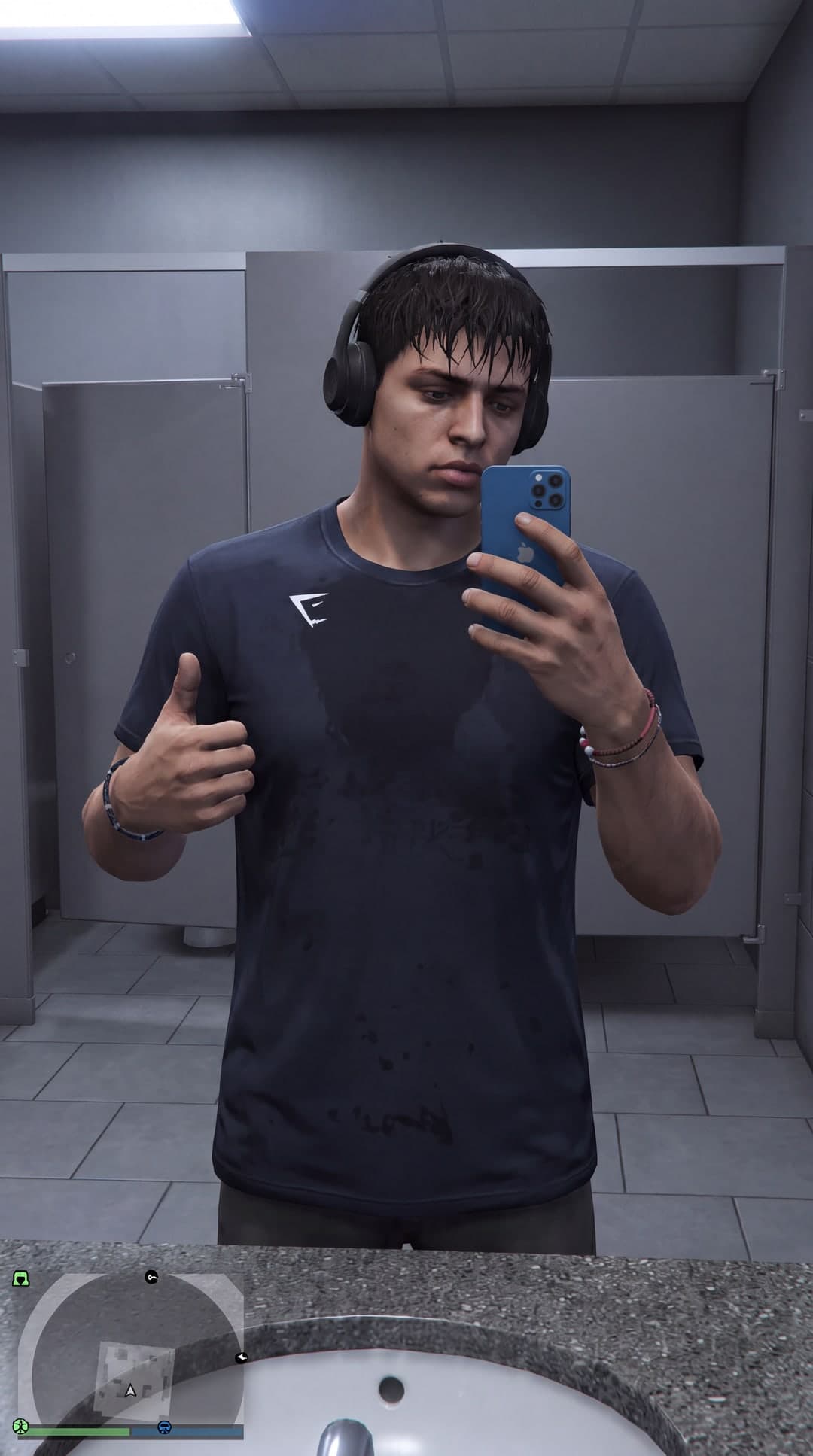
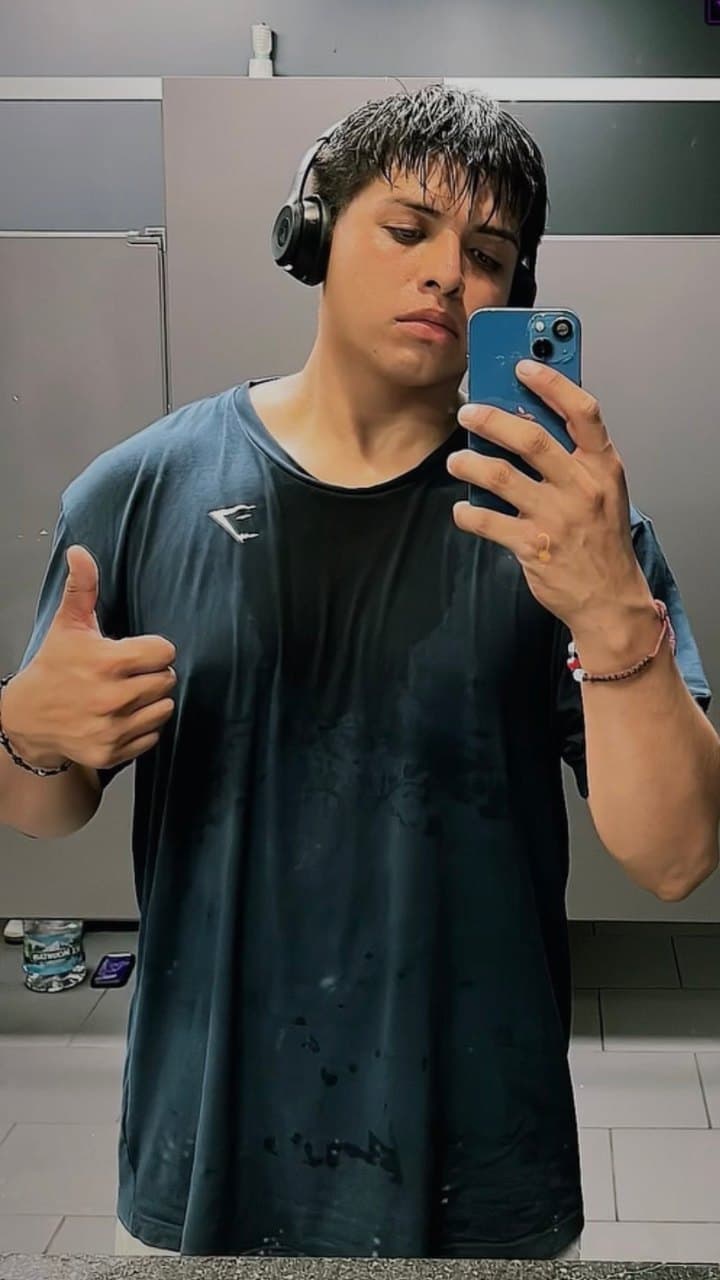
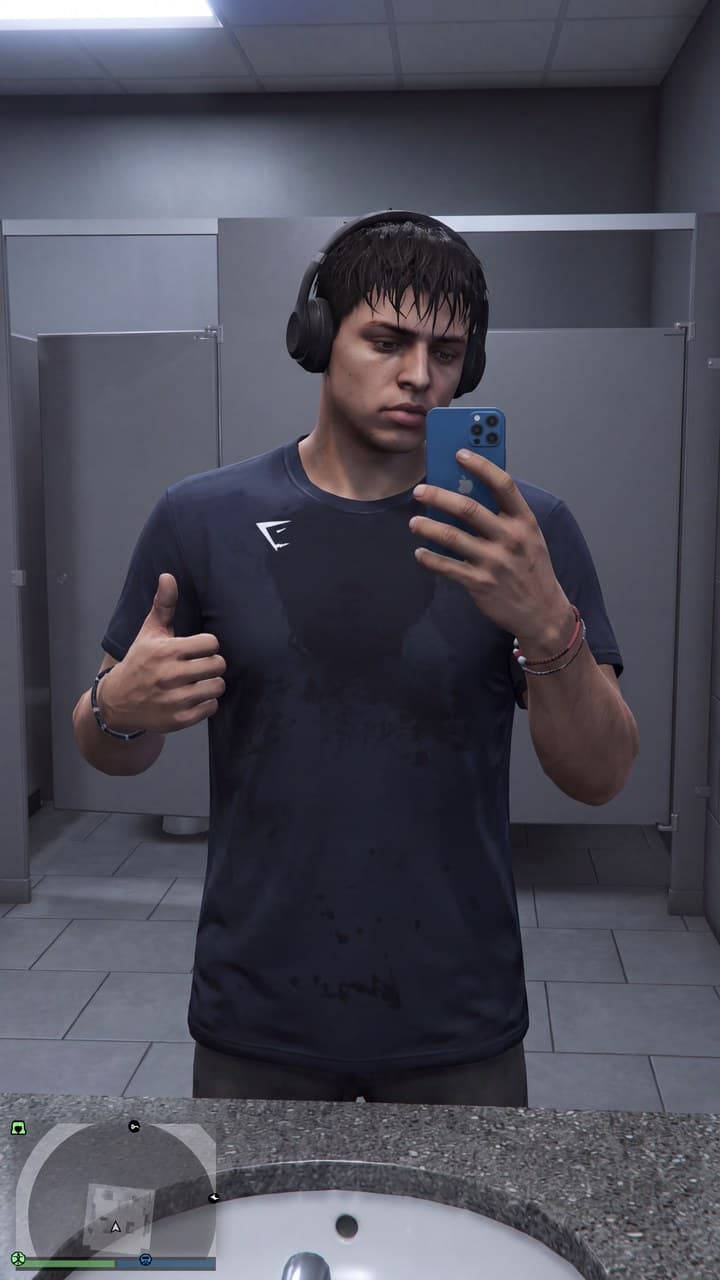
THE CINEMATIC AI ANIMATION GUIDE

Learn How to Create GTA-Style AI Videos From Scratch

Follow the exact workflow I use to create characters, build scenes, write prompts, animate them, and turn everything into finished cinematic videos. Built on GTA-style scenes — and the same method makes anime, 3D, comic, retro or photoreal.

THE FINISHED FRAME9:16 / CINEMATIC AI
BEHIND EVERY FRAMEThere’s a better prompt.

From idea to finished animation. Step by step.

ONE COMPLETE WORKFLOW
Create charactersBuild scenesAnimate with SeedanceEdit your story

EVERY STYLE, ONE WORKFLOW

This Is All
One Method.

Cinematic, comic, 3D animated, retro film — every one of these came from the same six-part prompt. Only the style block changed. Keep scrolling.

YOU’VE SEEN THE RESULT

You’ve Seen These Videos.
Now Learn How They’re Made.

Creating good AI animation takes more than typing a basic prompt. Faces change. Clothes change. Cars morph. Doors bend. Backgrounds transform. Camera movement looks unnatural.

One bad prompt can ruin an entire scene. This guide breaks down the exact workflow I use to control those problems and create more consistent cinematic AI scenes.

BASIC PROMPTING

“A guy walking down a street.
Make it cinematic.”

Undefined characterRandom motionNo continuity
STRUCTURED PROMPTING
SUBJECTDefined face, outfit, reference…
SCENELocation, light, fixed geometry…
MOTIONAction, pacing, camera direction…
Intentional instructions. More control.

Illustrative prompt structures. AI results vary.

WHAT YOU’LL LEARN

Every Part of the Process.
In One Place.

Go from “how did they make that?” to understanding how to build your own cinematic AI story.

Character Creation

Learn how to create GTA-style characters designed for consistent use across multiple scenes.

FACES / OUTFITS / IDENTITY

Scene Creation

Build cinematic streets, interiors, vehicles, neighborhoods, parking lots, businesses, and environments.

LOCATIONS / LIGHT / DETAIL

Prompt Engineering

Learn how detailed image prompts are structured, with real prompt-by-prompt examples you can study and customize.

STRUCTURE / INSTRUCTIONS

Seedance Animation

Learn how to turn still scenes into animated cinematic sequences using detailed Seedance prompts.

STILL IMAGE → MOVING SHOT

Camera & Motion

Learn how to describe walking, driving, conversations, gestures, action, camera movement, and realistic physical motion.

DIRECTION / PACING / ACTION

Scene Continuity

Learn techniques for keeping characters, clothing, locations, objects, vehicles, and scene geometry consistent.

REFERENCES / CONSISTENCY

Storytelling

Learn how to structure multiple AI clips into a short story instead of generating random disconnected scenes.

CONCEPT / SHOTS / STORY

Editing

Learn how to combine your clips in CapCut using sound effects, dialogue, music, timing, cuts, and final polish.

ASSEMBLE / POLISH / EXPORT

ONE METHOD, ANY LOOK

Built on GTA-Style Scenes.
It Works for Everything Else Too.

The workflow is the same whatever you are making. Change the style block in your prompt and the whole world changes with it.

THE MAIN FOCUS

GTA-Style Cinematic

Stylised urban realism: heavy contrast, saturated neon and sodium light, characters who look like they belong to a world with a story already running.

stylised realism · bold key art · saturated urban night · strong rim light

Anime & Cel-Shaded

Flat colour blocking, clean linework, expressive faces.

anime style · cel shaded · hand-inked lines

3D Animated Feature

Soft global light, rounded forms, that big-studio finish.

3D render · subsurface skin · soft global illumination

Comic & Graphic Novel

Bold outlines, halftone texture, high-contrast inks.

graphic novel · halftone dots · bold outlines

Retro Film

Grain, halation and faded colour — the nostalgia look.

35mm film · faded Kodachrome · halation

Photoreal Cinematic

Anamorphic framing and shallow depth, graded like a feature.

anamorphic lens · shallow depth · colour graded

Every module in the guide teaches the method, then shows how the style block changes to move between looks.

FROM THE FIRST IDEA TO THE FINAL CUT

The Full Workflow.
Nothing Skipped.

You’ll see how each part connects so you understand the entire production process instead of learning isolated tricks.

  1. 01IdeaFind your concept
  2. 02StoryPlan the moment
  3. 03CharacterDefine the identity
  4. 04SceneBuild the world
  5. 05Image PromptWrite the instructions
  6. 06GenerateCreate your still frame
  7. 07Seedance Motion PromptDirect the movement
  8. 08AnimateBring it to life
  9. 09EditConnect your shots
  10. 10PostShare the finished story
ONE STORY. CONNECTED SHOTS.
Illustrative character frame
CHARACTER
Illustrative street scene frame
WORLD
Illustrative action frame
ACTION
STARTBUILDFINISH
CharacterSceneAction
Dialogue + sound + music

Each scene has a job.
The edit brings the story together.

Illustrative workflow preview

PROMPT-BY-PROMPT TRAINING

Don’t Just Watch Me Do It.
See How the Prompts Are Built.

The guide breaks down detailed prompt structures so you can understand what each instruction is doing and how to change it for your own characters, locations, and stories.

AI CREATOR LAB / PROMPT BREAKDOWNSTRUCTURE PREVIEW
image-prompt.txt

// Give every part of your scene a clear instruction.

01SUBJECT [character identity + reference]

02WORLD [location + light + fixed details]

03FRAME [composition + camera angle]

The full examples are inside.Prompt examples included inside the guide.

MORE INTENTION. LESS GUESSWORK.

Why Basic AI Prompts Fail

Better instructions help you guide the result. A connected workflow helps you turn those results into a story.

Basic Prompt

  • Changing faces
  • Random clothing
  • Morphing objects
  • Broken hands
  • Deformed vehicles
  • Inconsistent locations
  • Unnatural movement
  • Disconnected scenes

Structured Workflow

  • Stronger character consistency
  • Better environmental continuity
  • Clearer camera direction
  • More believable motion
  • Better scene-to-scene connection
  • More cinematic storytelling

Improve consistency. Reduce common generation problems. Create more controlled results.

A stronger workflow helps. It doesn’t make every AI generation perfect.

BRING THE FRAME TO LIFE

Learn How to Animate Your Scenes With Seedance.

Creating the image is only part of the process. Learn how to turn a still AI scene into a believable moving shot without relying on random motion.

Character movementEnvironmental movementCamera movementPacingDialogueBody movementVehicle movementEntrances & exitsBackground activityContinuity
Original illustrated coupe on an urban street, used as a source-image conceptSOURCE IMAGE
SEEDANCE
PROMPT
Action. Camera.
Timing. Continuity.
Original cinematic urban alley illustration showing lighting, architecture, clothing, and scene detailsCHARACTER REFERENCEFIXED SCENE DETAILSLIGHTING & DIRECTIONILLUSTRATIVE SCENE

KEEP YOUR WORLD CONNECTED

Stop Letting Every Scene Look Like a Different Universe.

A different face. A different outfit. A car that changes shape. Backgrounds and architecture that move between shots. Lighting that flips. A character that changes size. Props that disappear.

Learn methods for reducing those problems through better references, structured prompting, repeated descriptions, scene planning, and continuity instructions.

  • ReferenceDefine what needs to stay the same.
  • PlanConnect the shots before generating.
  • DirectRepeat the details that matter.
  • RefineCheck each clip before the final edit.

INSIDE THE GUIDE

Your Idea.
Your Characters.
Your Complete Video.

A practical curriculum that follows the production process, from creating your first concept to publishing the final cut.

Get the Guide — $29.99

One-time payment · English or Spanish · Instant download.

01

GTA-Style AI Video Fundamentals

Understand the full production workflow, develop your concept, and plan a cinematic AI video from the beginning.

02

Character Creation

Create original characters with recognizable facial features, defined clothing, and details you can carry into later scenes.

03

Scene & Environment Creation

Build streets, interiors, houses, stores, alleys, vehicles, and believable locations with intentional lighting and detail.

04

Advanced Image Prompt Structure

Study prompt-by-prompt examples and learn how to adapt character, scene, composition, and negative instructions.

05

Maintaining Character Consistency

Use references and repeated descriptions to improve facial, clothing, and character consistency across scenes.

06

Seedance Animation

Turn still images into animated shots with detailed Seedance motion prompts and clear scene instructions.

07

Motion & Camera Direction

Describe walking, driving, action, natural gestures, camera angles, and cinematic movement.

08

Scene Continuity

Plan connected shots and reduce changes to vehicles, doors, buildings, props, environments, and lighting.

09

Dialogue & Storytelling

Build conversations and short stories with connected clips, purposeful action, dialogue, and clear pacing.

10

Editing in CapCut

Assemble your clips, refine cuts and timing, and add sound effects, music, dialogue, and final polish.

11

Building Your Finished Video

Bring the full workflow together into one complete video, checking continuity and pacing before the final export.

12

Publishing for Social Media

Export your finished videos for TikTok, Instagram Reels, and YouTube Shorts.

SWIPE THROUGH THE STYLES

Six Looks,
One Workflow.

Same method, six different worlds. Swipe through them — the ones with a play button are animated.

Stylised urban realism

The flagship look: saturated light, heavy contrast, a world with a story already running.

Graphic novel

Bold inks, halftone shading and a limited print palette.

Family-feature style

Soft global light, rounded forms, that big-studio finish.

35mm nostalgia

Grain, halation and faded colour. The memory look.

Cinematic realism

Long light, deep colour, and a subject that holds the frame.

Lonely roadside

One practical light source doing all the storytelling.

MADE FOR VERTICAL STORYTELLING
TikTok / Instagram Reels / YouTube Shorts

SOUND FAMILIAR?

This Guide
Is For You If…

You’ve watched a GTA-style AI video and thought, “How are people making these?”

  • You want to create GTA-style AI videos.
  • You are new to AI animation.
  • You already use AI but struggle with consistency.
  • Your characters keep changing and your environments keep morphing.
  • You struggle to write detailed prompts or want to understand advanced prompting.
  • You want to learn Seedance.
  • You want to create AI stories instead of random clips.
  • You make TikTok content, Instagram Reels, or YouTube Shorts.
  • You want the full workflow instead of disconnected tutorials.

MEET THE CREATOR

Learn the Workflow
I Actually Use.

“I created this guide to break down the exact process I use to turn an idea into a complete GTA-style AI animation. Instead of giving you vague instructions, I walk through the workflow step by step, including character creation, scene building, detailed prompts, Seedance animation, continuity, and editing.”
Jose AngelFounder, AI Creator Lab

BEFORE YOU START

A Few Things
You Might Be Asking.

Do I need experience with AI?

No. The training is structured so beginners can follow the process while still covering more advanced prompting and consistency techniques.

Does this include prompt examples?

Yes. The guide includes detailed examples showing how image and animation prompts are structured.

Does this teach Seedance?

Yes. Seedance prompting and animation workflow are major parts of the training.

Does this teach image generation too?

Yes. The workflow begins with creating characters, environments, and scenes before moving into animation.

Can I use this for my own characters and stories?

Yes. The goal is to teach you the workflow so you can adapt the methods to your own original characters, locations, and concepts.

Can beginners follow this?

Yes. The workflow is explained step by step.

Do AI generations always come out perfectly?

No. AI generations can vary. The guide teaches methods for improving consistency and reducing common generation problems.

Is this an official GTA or Rockstar Games product?

No. This is an independent educational product and is not affiliated with, endorsed by, sponsored by, or associated with Rockstar Games or Take-Two Interactive.

YOUR NEXT STEP

Make the Videos
You Came Here to Learn.

How to Create AI Animated Visuals is a complete, step-by-step production manual for building cinematic AI video — from a blank page to a finished piece you can post. It covers the whole pipeline: the two-model workflow, the six-part prompt formula, character and scene building, keeping a face consistent across shots, motion and camera direction, story structure, editing and publishing. Illustrated throughout, with copy-paste templates and a troubleshooting table for every common failure.

Built on GTA-style cinematic scenes — the style block chapter then shows you how to move the same method to anime, 3D, comic, retro, claymation or photoreal. Written for creators who want repeatable results instead of lucky generations. Available in English and Spanish.

Format
Digital guide (PDF)
Modules
8 parts + template library
Languages
English / Español
Delivery
Instant download
Access
Lifetime, updates included
Level
Beginner to advanced
Cinematic character scene created with the AI Creator Lab workflow
AI CREATOR LAB / JOSE ANGELHow to Create
AI Animated Visuals
IDEA → FINISHED VIDEO
SECURE CHECKOUT

How to Create
AI Animated Visuals

The complete workflow, by Jose Angel.

1 Choose your edition

2 Review your order

How to Create AI Animated VisualsEnglish edition · Digital download
$29.99
Instant downloadIncluded
Lifetime access & updatesIncluded
Total due today$29.99

One-time payment. No subscription, no rebills.

Checkout opens shortly.

Secure checkout powered by Stripe. Your card details are never handled by this site.

Visa · Mastercard · American Express · Discover · Apple Pay · Google Pay

  • Access delivered immediately after payment
  • Covered by the refund policy below
  • Support by email if your download fails

YOUR IDEA DESERVES A FINISHED VIDEO.

Stop Guessing at Prompts.
Learn the Full Workflow.

Create your characters. Build your scenes. Write better prompts.
Animate with Seedance. Edit your story. Post your finished video.

Get the Guide — $29.99
How to Create AI Animated Visuals$29.99 · One-time payment
Buy Now
AI CREATOR LAB / EXAMPLE

Cinematic frame

An original 4K frame created with the AI Creator Lab workflow.

AI CREATOR LAB

Information